Guide
Turn a product photo into an image ad
An image ad needs more than a new background. AdHalo combines your product reference with a scene, headline and call to action so you can review a complete creative instead of assembling every piece in a design tool.
No account needed. Your ad is watermarked until you sign up.
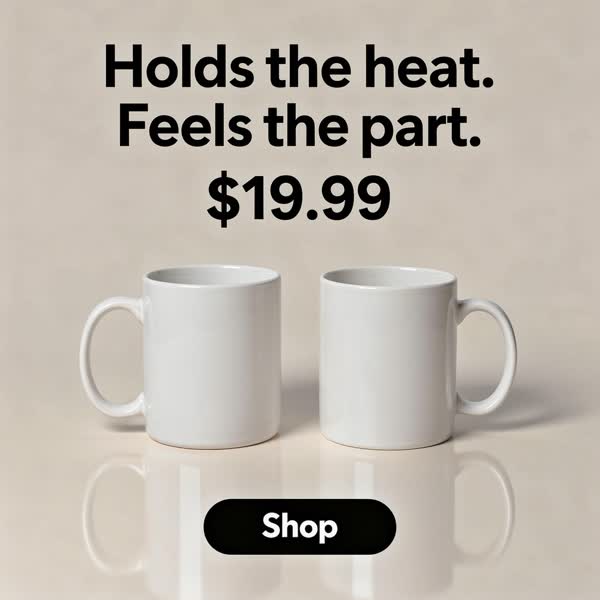
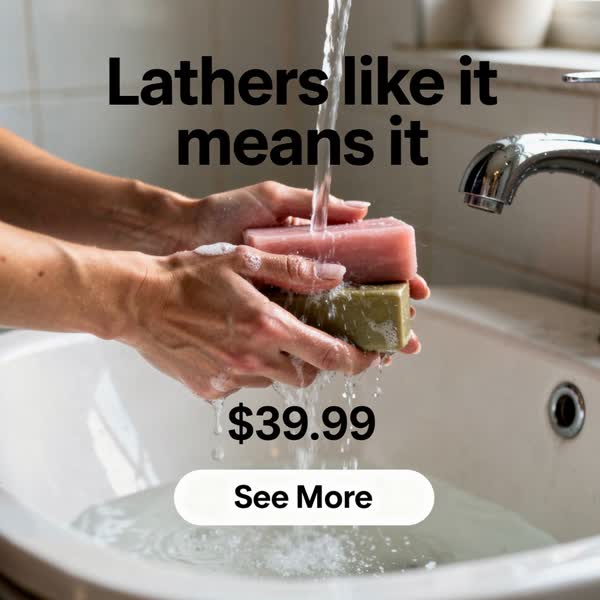
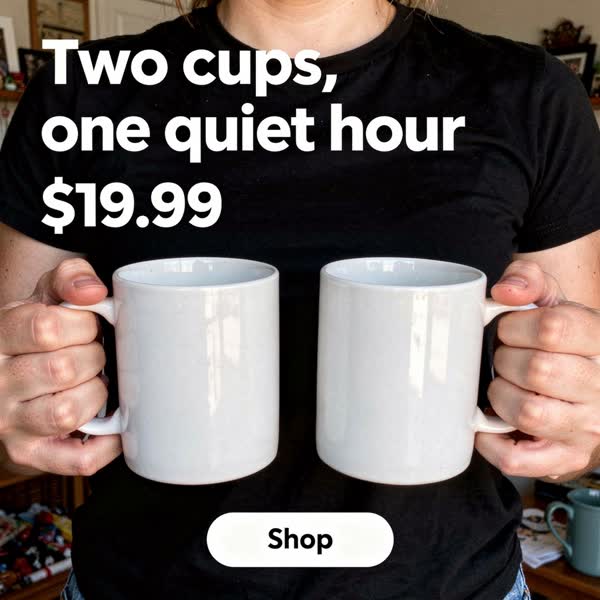
Actual AdHalo image-ad outputs. Examples are not customer testimonials or performance claims.
Start with a recognizable product
Upload a clear photograph or import a product page URL. Choose an image with the whole product visible and enough detail to read the packaging. AdHalo uses that image as a reference; it does not guarantee pixel-identical reproduction. Compare the result with the source before using it.
Give the ad one clear message
Let AdHalo suggest copy, or supply your own headline, support line and call to action. You can include your price and brand details. Use an offer you actually sell and claims you can support. If you prefer to add typography elsewhere, choose the no-words option.
Review, adjust and download
Check product details and generated text at full size. Move your uploaded logo without spending another image ad, or generate a new version when you need different copy or framing. Re-rendering uses your allowance. Download the finished file and upload it to your ad platform yourself.
Image ads and video ads are separate
The free trial includes 6 image ads. Starter is $19/month for 100 image ads; Pro is $59/month for 200 image ads and 30 video ads; Studio is $99/month for 400 image ads and 40 video ads. Annual billing gives two months free. Video access and allowances depend on the plan. Image ads are useful for testing a clear product-and-offer combination; a presenter video adds movement and spoken explanation.
Common questions
Do I need a professional product shoot?
No studio is required, but the reference must be clear. Even lighting, visible edges and readable packaging give you a better starting point than a blurry or heavily cropped thumbnail.
Can AdHalo publish to my ad account?
No. Download the creative and upload it yourself. Review your platform's current creative requirements and policies before publishing.