Guide
From product photo to a reviewed, downloadable ad
A clear reference and a focused message make the workflow easier. Start with one product, decide whether an image or short video tells its story, and leave time to inspect the generated result before publishing.
No account needed. Your ad is watermarked until you sign up.
Examples
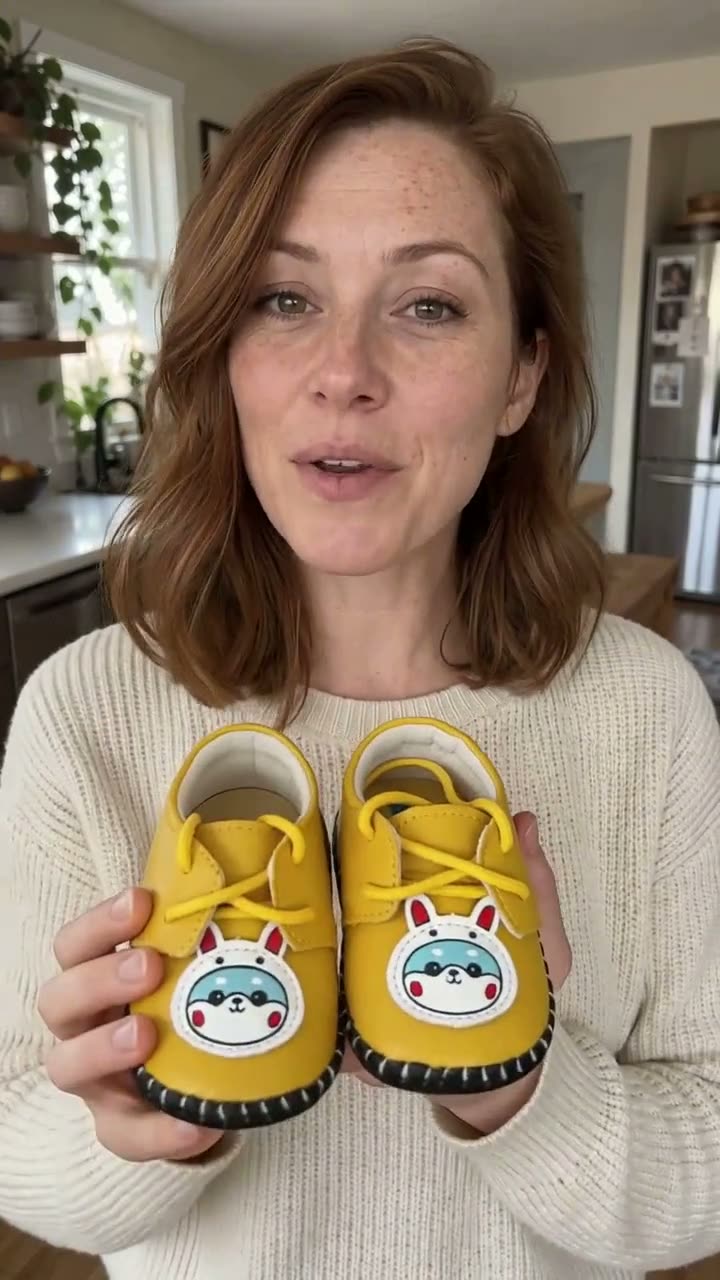
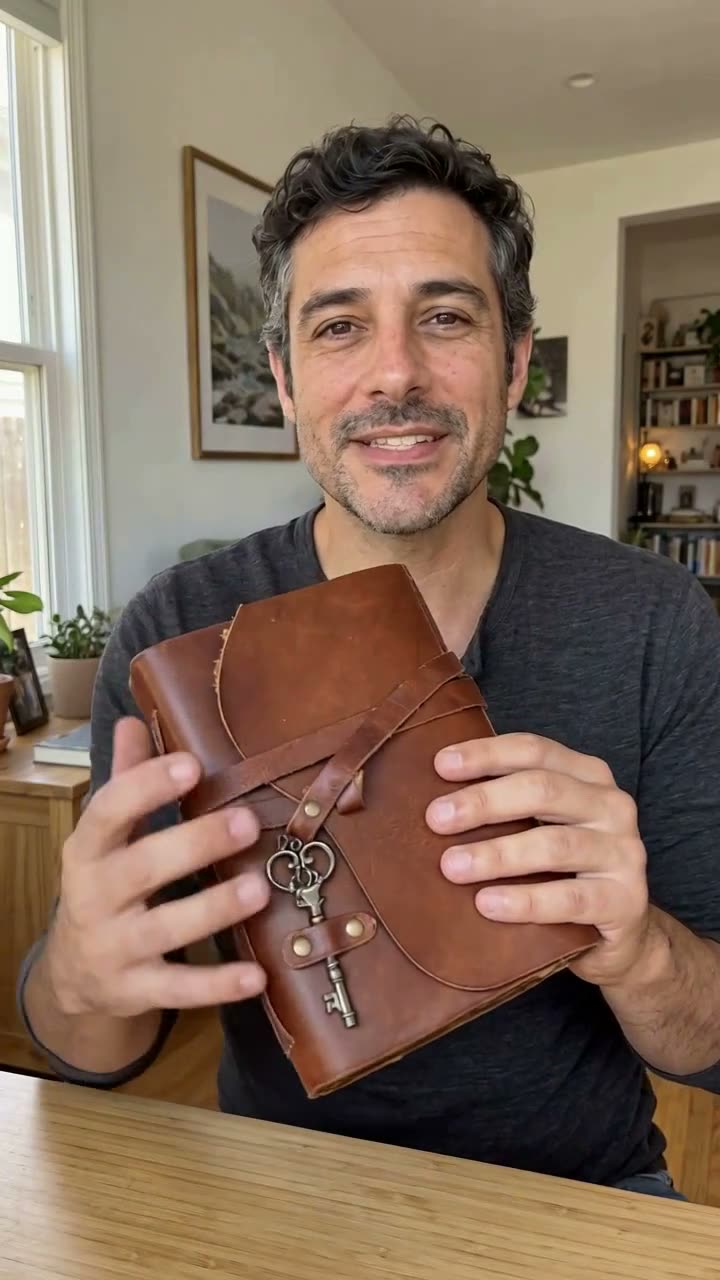
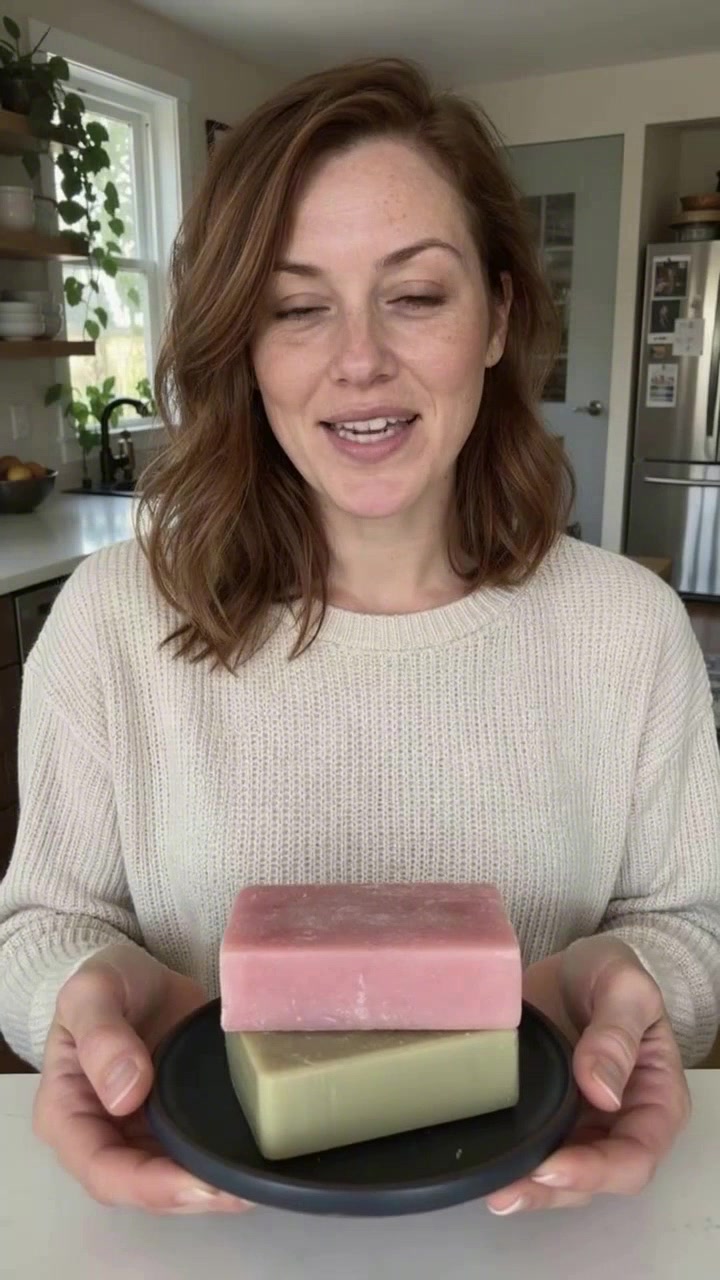
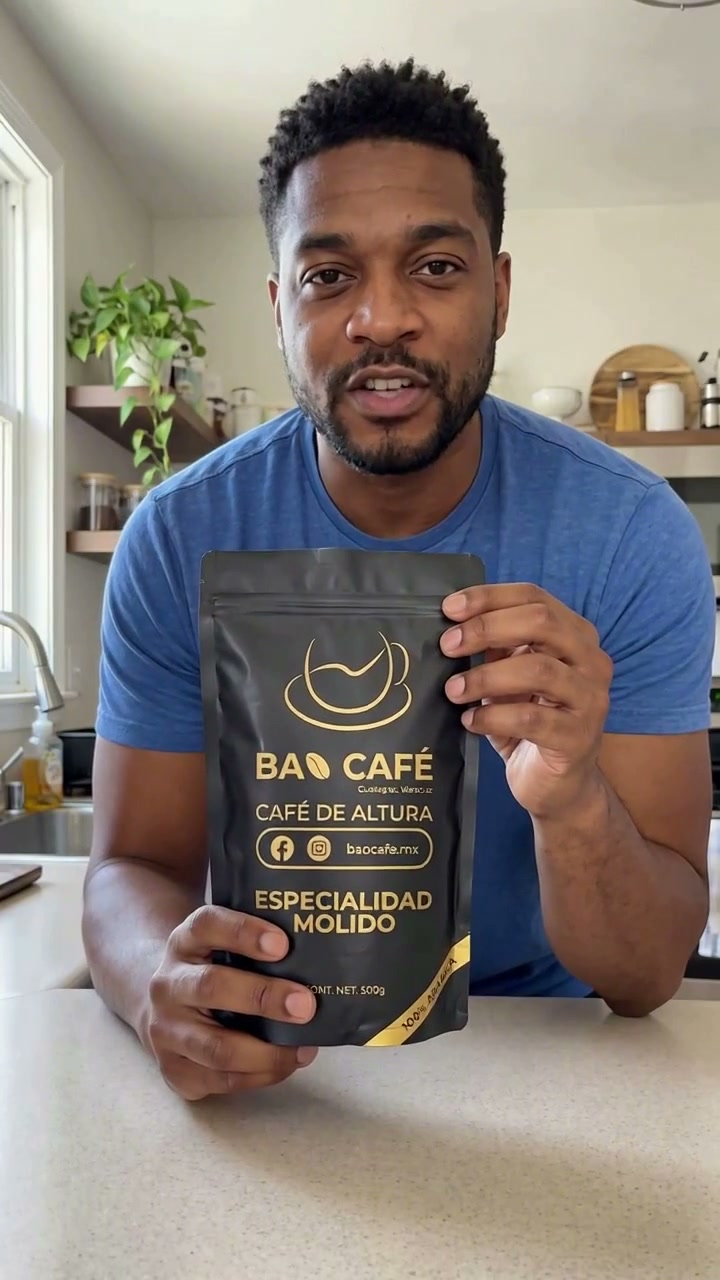
See the product inside the video

1. Add your product
Upload a product photo or import a public product URL. Review the selected image, product name and variant. Prefer a clear original image with readable packaging. Use photos and branding you have permission to use.
2. Choose an image or video
For image ads, supply or generate the headline, support line and call to action. For an actor video, choose a presenter and write a short spoken script. Actor clips are available on Pro and Studio and run up to 12 seconds. The free trial is for image ads, not actor videos.
3. Give the script a beginning and an ending
For a short video, use a familiar hook, one visible product detail and one call to action. Read it aloud before generating. The mug example starts with morning coffee, introduces the pair, and asks viewers to shop. Avoid a long feature list or claims you cannot verify.
4. Review the generated ad
Check shape, color, quantity, packaging and visible wording against the source image. For video, listen for every line and watch whether the product stays in shot through the ending. AI output can contain mistakes. A thumbnail or a successful render status does not replace this review.
5. Download and publish yourself
Download the reviewed creative, then upload it into your chosen ad platform. AdHalo does not automatically publish campaigns. Check platform requirements and any applicable disclosure obligations. Your account shows separate image and video allowances and their renewal dates.
Common questions
What should I do if the label is wrong?
Do not publish that output. Try a sharper photograph of a single variant and a simpler composition, then inspect the new result. Generation instructions cannot guarantee that text stays exact.
Are the demo presenters real customers?
No. The examples use fictional AI presenters. They demonstrate the output format and are not testimonials or claims about customer results.